

This guide focuses on badges in Mendix Native apps — perfect for showing notifications, status updates, or counts. Learn how to design and implement them with ease
In the world of mobile apps, user engagement is key to keeping users informed and connected. One of the most effective ways to grab attention is through badges — small but powerful notifications that highlight important updates or actions.
Since you already know how to send a simple local notification
Dependencies :-
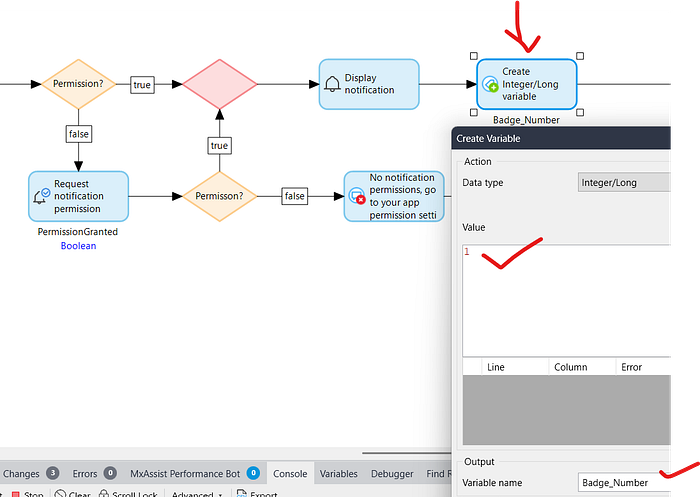
Open your ACT_SendNotification nanoflow -> Create an Integer/Long variable after display notification activity -> Give the name variable Badge_Number & Assign the value 1.
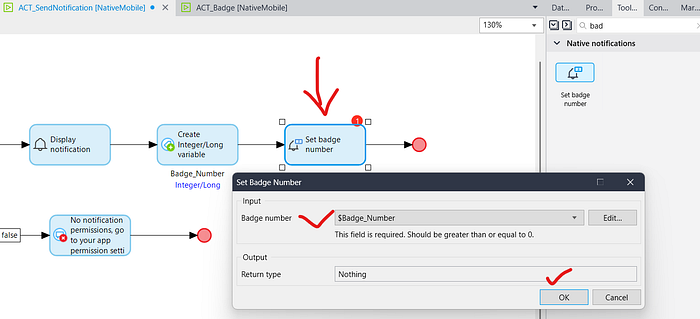
After this Drag & Drop Badge Activity & Click OK.
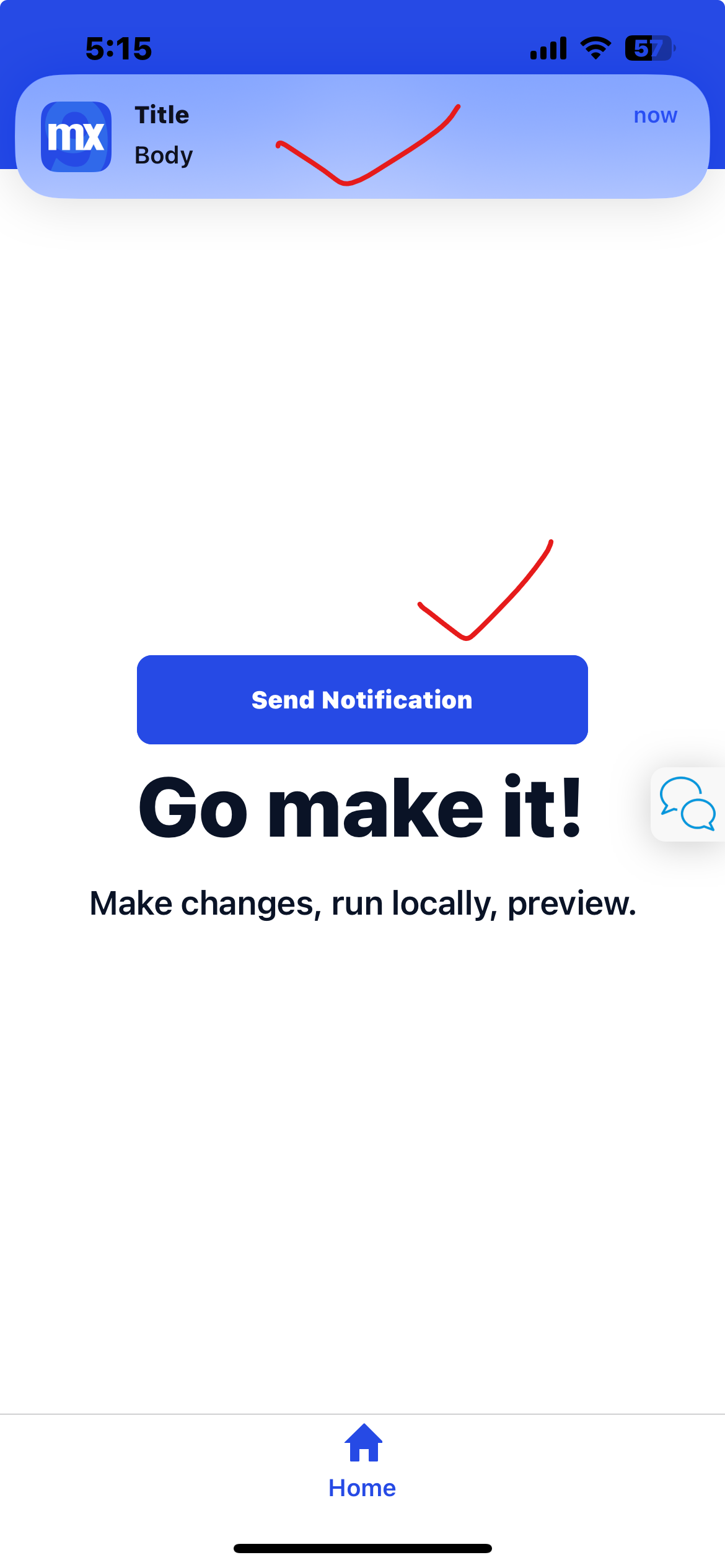
Now run the application & test it.
HOW TO CLEAR THE BADGE :-
1.Go to MX Studio Pro & Make a new nanoflow ACT_ClearBadge
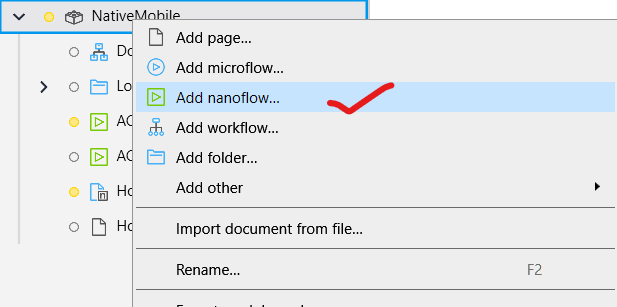
2. Open your ACT_ClearBadge nanoflow and Drag & Drop Clear All Delivered Notifications.

3. Now go to your Home_Native page & Drag and drop App Events.
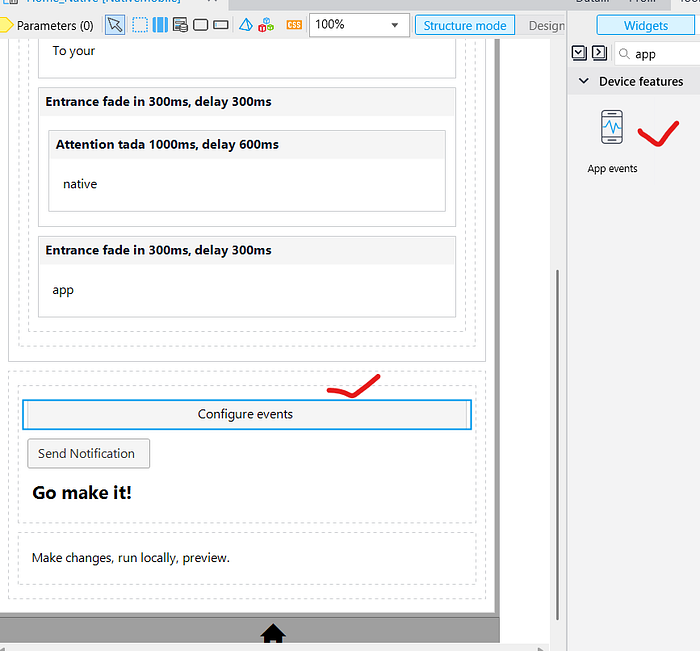
4. Now double click on App Events -> In OnLoad & OnResume select call a nanoflow & Select your ACT_ClearBadge nanoflow.
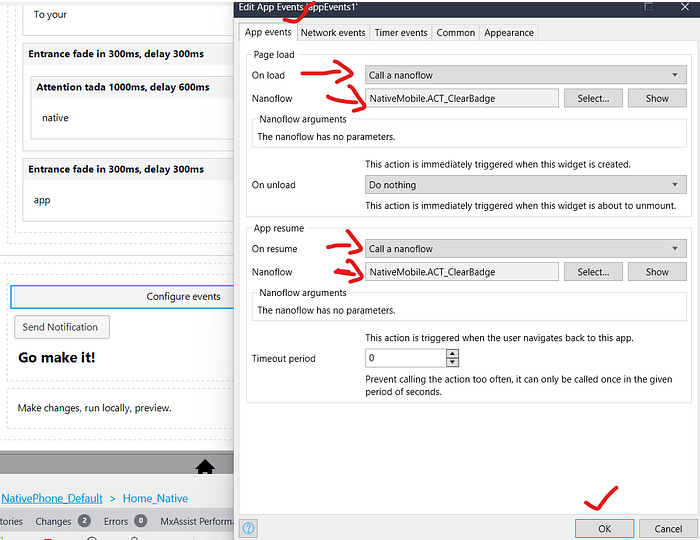
Now run the application & test it.
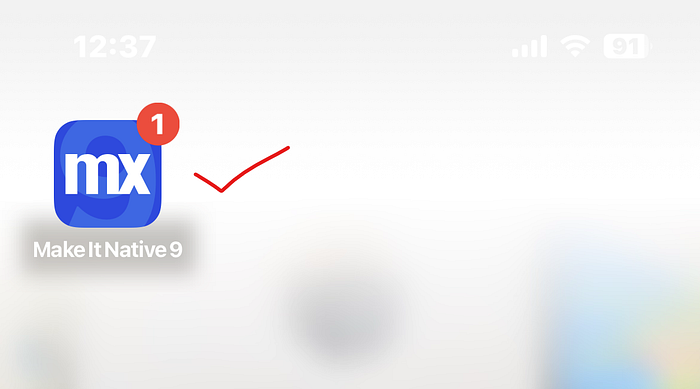
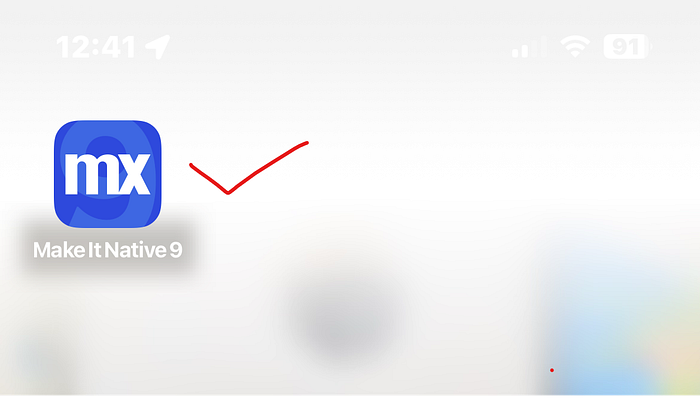
First, send the notification and then view your badge.

Open your Make It Native app again, go to the Home_Native page, and close the app using the middle button. Don’t close the app completely instead, resume it to keep it running in the background.
Conclusion:
I hope this article has helped you understand How to Implement Badge in Native Local Notifications in Mendix.
Thanks for reading this! See you in the next blog post.